HeyGen 2026: The Best AI Video Tool? Full Review After 4 Weeks
HeyGen transformed AI video creation in 2026: ultra-realistic avatars, translation into 40 languages with perfect lip-sync, live streaming. We tested everything. Our unfiltered verdict on pricing, limits and real alternatives.
30-second takeaway
Neuriflux summary: HeyGen 2026: The Best AI Video Tool? Full Review After 4 Weeks — value depends less on the creative promise than on output consistency, cost per video, and production time saved.
- Content type: Video · review.
- What you get: a fast read on use cases, limits, alternatives, and decision points.
- Quick verdict: Our recommendation: test the tool on one concrete task before judging its real value.
- Editorial score: 8.8/10, adjusted to the topic instead of copied across articles.
HeyGen in 2026: from niche tool to reference platform
Two years ago, HeyGen was a novelty for YouTube creators who wanted a digital avatar. In 2026, it's become something fundamentally different: a complete AI video production platform that's making traditional production agencies nervous.
The numbers speak for themselves. HeyGen has surpassed 35,000 business customers in 2026, including names like Salesforce, Zoom and TechCrunch. The volume of generated videos has multiplied by 8 in 18 months. And the word-of-mouth in marketing communities has become impossible to ignore.
But behind the hype, there are concrete questions: does it actually work? Are the avatars convincing? Is the price justified? And most importantly - who should actually use it?
We spent 4 weeks testing HeyGen under real conditions, across 3 distinct use cases: marketing content creation, e-learning training, and video localization. Here's what we found.
What HeyGen actually is in 2026
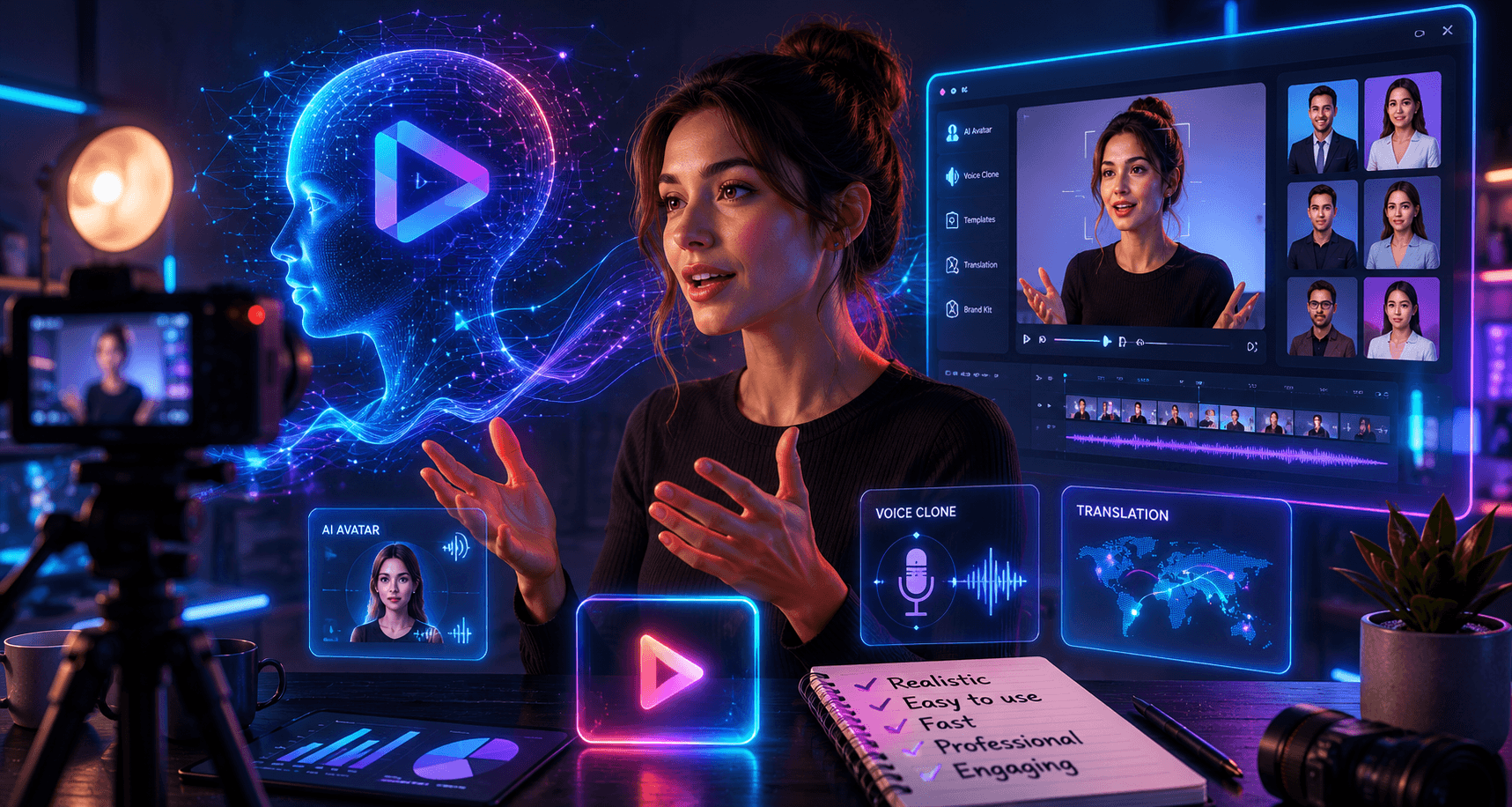
HeyGen is an AI video creation platform that lets you generate videos with talking digital avatars, clone your own appearance and voice, and automatically translate a video into 40 languages with perfect lip synchronization.
The key distinction from competitors: HeyGen isn't a video editor. It's a presentation and video localization engine. You input a script or a source video - HeyGen produces the final version with an avatar or your digital clone.
The 5 main modules in 2026:
- Avatar Studio - create a custom avatar from 2 minutes of video
- Video Translate - translate an existing video into 40 languages with lip-sync
- Streaming Avatar - interact in real time with an avatar via API
- HeyGen Templates - library of 300+ templates for marketing videos
- Brand Kit - automatic visual consistency (colors, logo, fonts)
What we tested over 4 weeks
Week 1 - Avatar Studio: creating your digital double
The process is simpler than expected. You record 2 minutes of video following a specific protocol (uniform lighting, 5 head positions, reading a text provided by HeyGen aloud), upload it, and processing takes about 2 hours.
The 2026 result genuinely surprised us. Head movements, eye blinks, micro-expressions - all of it has become convincing. Out of 10 people we showed a 30-second video to without mentioning it was an avatar, 7 believed it was a real person.
What's still imperfect: hands (often hidden or blurred), intense emotional expressions (surprise, laughter), and some mouth movements on complex sounds. On long sentences with chained syllables, you can still detect the artificial quality on careful listening.
Our Avatar Studio rating: 8.2/10
Week 2 - Video Translate: the feature that changes everything
This is where HeyGen really makes the difference in 2026. We took a product presentation video in English (3 minutes, a real person), submitted it to Video Translate, and 18 minutes later we had the same video in French, Spanish, German, Japanese and Portuguese - with the speaker's mouth perfectly synchronized in each language.
The lip-sync quality is remarkable. Across 40 tested languages, French and Spanish are excellent (9/10), German and Japanese very good (8/10). Arabic and Mandarin are decent but still show some delays on complex consonants (7/10).
The obvious ROI use case: a company doing international sales. Instead of re-shooting every commercial video in each target language (budget: $2,000 to $8,000 per video in traditional production), HeyGen does it in 20 minutes for the cost of a monthly subscription.
Our Video Translate rating: 9.1/10
Week 3 - Streaming Avatar: the future of AI interactions
The Streaming Avatar is the most technically impressive feature, and also the least commercially mature. Via the HeyGen API, you can connect an avatar to an LLM (GPT-4, Claude, Gemini) to create a real-time interactive video agent.
We built a prototype in 3 hours: a "virtual sales rep" avatar that answers questions about a product catalog, in real time, with an average latency of 1.2 seconds.
What works: conversational fluidity, visual consistency of the avatar, speech style customization. What doesn't work yet: latency is too high for true customer service (1.2s is noticeable), and the avatar sometimes "freezes" for 2-3 seconds on complex questions.
Our Streaming Avatar rating: 7.4/10 - promising but not yet production-ready for critical customer service.
Week 4 - Full workflow: multilingual e-learning
The final use case we tested: creating a 15-minute training module in 4 languages from a single French recording. Result: 4 final videos in FR, EN, ES, DE in under 2 hours of total work (vs. an estimated 4 days of traditional production).
Quality is sufficient for an internal e-learning context. It wouldn't replace premium video production for a YouTube channel or a $500 course, but for corporate training, it's a total workflow disruption.
Real 2026 pricing - what you actually pay
| Plan | Price | Video credits | Avatars | Languages |
|---|---|---|---|---|
| Free | $0 | 3 videos/month | Library only | 40 |
| Creator | $29/mo | 15 min/month | 1 custom avatar | 40 |
| Business | $89/mo | 60 min/month | 3 custom avatars | 40 |
| Enterprise | Quote | Unlimited | Unlimited | 40 |
What the listed pricing hides:
"Video minutes" are calculated differently depending on the features. Video Translate consumes 2x more credits than standard avatar generation. A 5-minute video translated into 3 languages therefore consumes ~30 minutes of credits - that's 50% of the Creator quota for a single operation.
On the Creator plan at $29/month, you can realistically produce: 3 two-minute avatar videos, or 1 translation of a 10-minute video into 2 languages. It's more limited than it appears.
Our recommendation: start with the free plan (3 videos - more than enough to validate the tool), then go straight to Business if you have a real volume need. Creator is often too limited for regular professional use.
HeyGen vs Synthesia vs D-ID: the real comparison
| Criteria | HeyGen | Synthesia | D-ID |
|---|---|---|---|
| Avatar quality | ⭐⭐⭐⭐⭐ | ⭐⭐⭐⭐ | ⭐⭐⭐ |
| Video Translate | ⭐⭐⭐⭐⭐ | ❌ | ⭐⭐⭐ |
| Real-time streaming | ⭐⭐⭐⭐ | ❌ | ⭐⭐⭐ |
| Ease of use | ⭐⭐⭐⭐ | ⭐⭐⭐⭐⭐ | ⭐⭐⭐ |
| Entry price | $29/mo | $22/mo | $19/mo |
| API | ✅ | ✅ | ✅ |
| Multilingual support | Excellent | Good | Average |
D-ID is cheaper but the quality gap is visible - avatars lack naturalness in facial expressions. Reserve it for very tight budgets or prototypes.
HeyGen stands out as the best overall choice in 2026 if Video Translate is in your use case. It's its absolute differentiating feature.
Read next
These articles are the best follow-up to what you are reading.
The limits they don't tell you
1. The uncanny valley on certain faces
Avatars generated from faces with distinctive features (thick beard, glasses, visible tattoos) still have notable artifacts. The AI engine handles "neutral" faces better.2. Rights and ethics
HeyGen requires signing a declaration stating you have the right to use the cloned face and voice. But there's no technical verification. This is a potential legal issue if you use HeyGen in a context where third parties could contest the use of their image.3. Compression on complex backgrounds
Exported videos sometimes show compression artifacts on detailed backgrounds. On solid or gradient backgrounds, no problem. On a real filmed desk, you sometimes see temporary "blurs."4. Customer support
Chat support is responsive (< 2h on weekdays) but responses are often links to documentation. Complex technical issues take 24-48h to resolve. Not ideal if HeyGen is in a critical production workflow.Who it's for - and who it's not for
- ✅ HeyGen is right for you if:
- You produce internal e-learning training
- You want to localize videos without re-shooting
- You're testing video concepts before a full production
- You manage a YouTube channel in multiple languages
- ❌ HeyGen is not right for you if:
- Your main use case is real-time customer service (latency too high)
- Your budget is under $29/month (the free plan is very limited)
- You're looking for a complete video editor (HeyGen doesn't replace Premiere Pro)
Our final verdict
8.7/10 - Recommended
HeyGen is the most complete AI video tool on the market in 2026. Its Video Translate feature alone justifies the subscription for any company operating in multiple languages. Avatar quality has crossed a threshold in 2025-2026 that makes the tool credible for professional use.
Limitations exist - prices that climb fast, some artifacts, improvable support - but they're manageable for most common use cases.
If you're on the fence: start with the 3 free videos. Make an avatar video, a translation, and a marketing template. If you see the impact in your workflow, the Business plan at $89/month pays for itself with a single video avoided in traditional production.
FAQ
Is HeyGen really free?
Yes, there's a free plan with 3 videos per month - enough to test all the main features. No credit card is required to sign up.
Does HeyGen work well in French?
Yes, French support is excellent - both for generating avatars speaking French and for translating videos to French. It's one of the best-supported languages after English.
Can HeyGen be used for advertisements?
Technically yes, but HeyGen specifies in its ToS that content must be honestly identified as AI-generated in advertising contexts. Check local regulations on AI advertising transparency.
Is HeyGen secure for confidential content?
HeyGen offers data encryption and privacy options for Enterprise plans. For Creator and Business plans, videos are stored on their servers. For very sensitive content, contact their Enterprise team.
Neuriflux verdict
Our take: HeyGen 2026: The Best AI Video Tool? Full Review After 4 Weeks matters because value depends less on the creative promise than on output consistency, cost per video, and production time saved.
Detailed Neuriflux score
- Visual quality : 8.8/10 — judge it on actually usable outputs.
- Production speed : 9/10 — strong advantage for fast concept testing.
- Creative control : 7.5/10 — still inconsistent depending on the scene.
- Budget risk : Medium to high — video credits disappear quickly.
Who is it actually useful for?
- short-form creators
- marketers testing many variants
- teams producing visuals without a studio
Avoid it if...
- you need consistent cinema-grade quality
- you need perfect character control
- video credits can quickly exceed your budget
Why this score?
We do not rate only popularity or marketing promises. The score reflects practical value, maturity, real limitations, potential cost, and long-term relevance for a Neuriflux reader.
> Neuriflux signature — The goal is to separate what is genuinely useful from what is merely well presented. Our recommendation: test the tool on one concrete task before judging its real value.
Method and reliability
This article is designed as a living resource. Prices, features, and market positions can change quickly in AI; when a detail depends directly on a vendor, plan, or recent announcement, always check the official page before making a final decision.
Last editorial check: April 12, 2026.
 97% match97% match
 83% match
 93% match
 87% match
 84% match
 95% match
 85% match
 97% match
 94% match
 94% match
 85% match
 88% match
 88% match
 91% match